How Fast are Websites Built with Sanity CMS
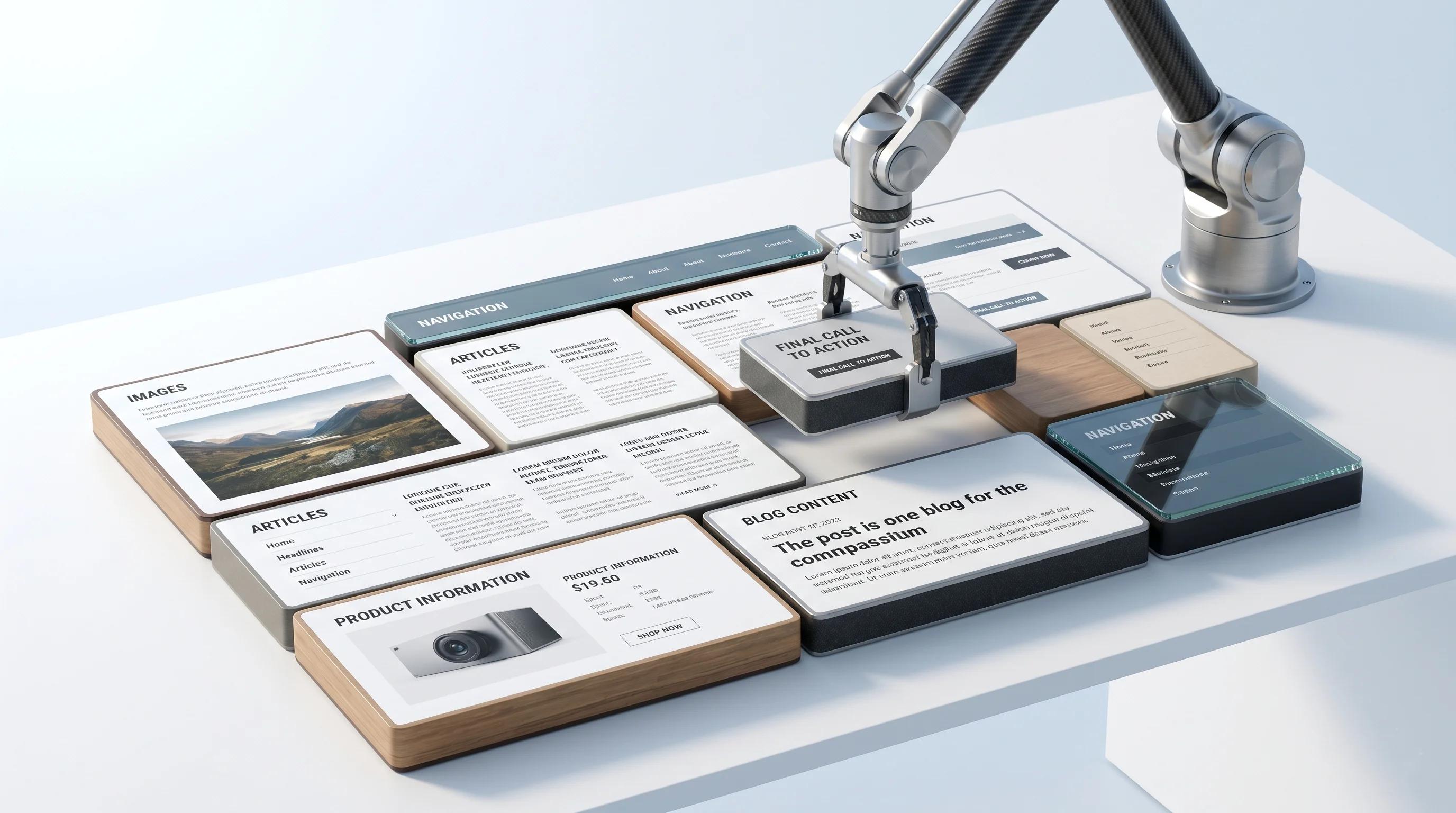
If you have been evaluating headless CMS platforms in 2026, one question comes up faster than all others: how long it actually take to build with Sanity CMS?
The honest answer depends on your project scope, team, and whether you pair Sanity with the right frontend framework. But here is what the data and real-world projects consistently show: Sanity CMS significantly accelerates development timelines compared to traditional CMS platforms, when used correctly.
This blog covers exactly how and why, with real benchmarks, a comparison framework, and an actionable guide for brands evaluating their next web build.
Whether you are a brand manager, startup founder, or development lead, Arismeta’s web development and digital marketing team build high-performance Sanity-powered websites that balance speed, scalability, and SEO from day one.
Why Sanity CMS Makes Website Development Faster Than Traditional CMS
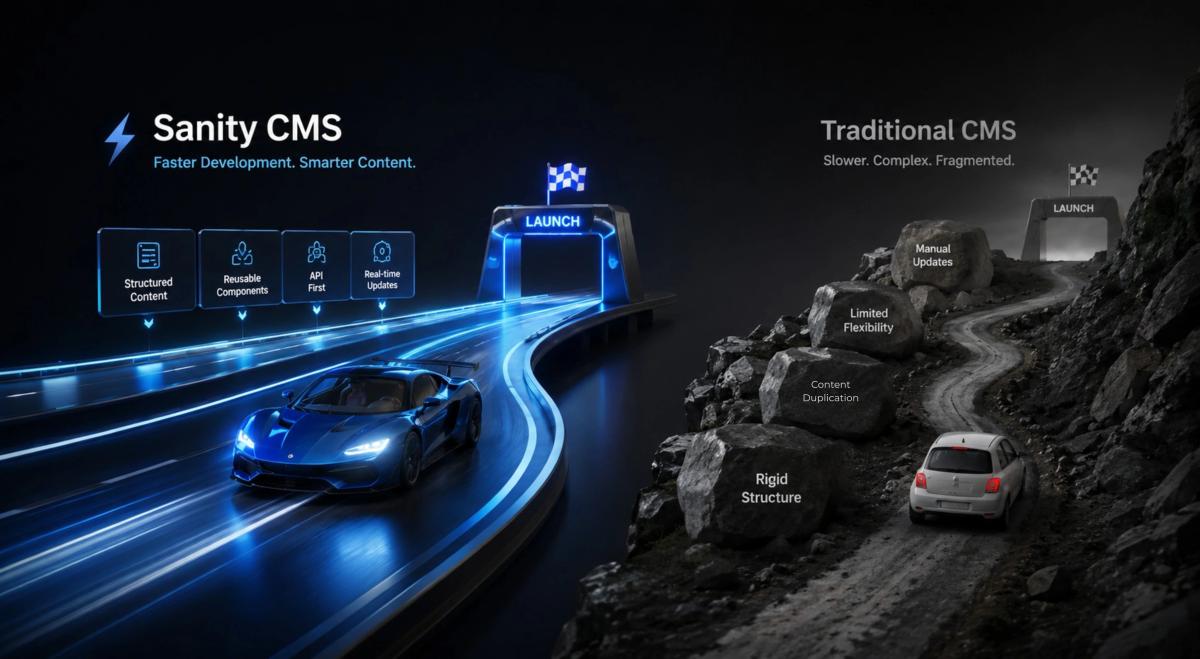
Most CMS slowdowns don’t happen during design. They occur during development, when a team discovers that the platform they chose is working against them at every step.
Traditional platforms like WordPress were built in an era when websites are simpler, content lived in one place, and the idea of serving that content to a mobile app, a smart display, or a third-party platform didn’t exist. Today, that architecture creates friction. Plugins accumulate. Themes update break custom functionality. Server-side rendering on every page load adds latency that compounds as the site grows.
Sanity takes a fundamentally different approach. Content lives in a structured, cloud hosted content-lake completely separate from whatever frontend displays it. Developers connect their chosen framework to Sanity’s API and pull exactly the content they need, shaped exactly the way they need it. There are no themes to work around, no plugin ecosystems to manage, and no database bottlenecks baked into the architecture.
This separation is what makes Sanity builds faster. Design and content development can happen simultaneously rather than sequentially. Frontend teams iterate freely without touching the content layer. And because Sanity studio is built in React, it can be customised to match a client’s actual editorial workflow, which cuts onboarding time and reduces the post-launch support burden significantly.
How Sanity CMS Cuts Website Build Time for Developers
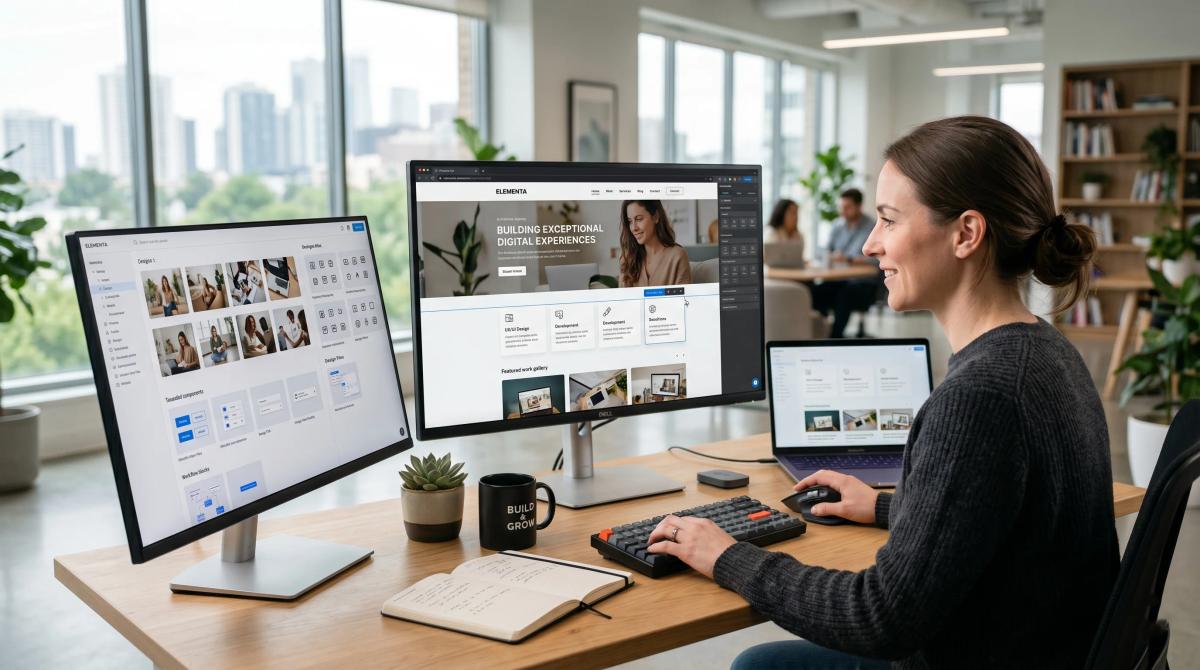
The time savings in a Sanity project are not accidental; they come from three specific structural advantages that compress the development cycle.
Schema-first thinking eliminates mid-project rework
Every Sanity project begins with content modelling, defining what content types exist, what fields they contain, and how they relate to each other. This upfront discipline looks like extra work at the start, but it prevents the costly restructuring that derails traditional CMS projects when content requirements shift halfway through a build.
Precise data fetching through GROQ removes frontend bloat
Sanity's query language, GROQ, allows developers to request only the fields a page actually needs. Unlike REST APIs that return entire objects regardless of what the page requires, GROQ queries are surgical. Pages load faster because they carry less data, and developers spend less time writing transformation logic to strip out what they don’t need.
The Next.js and Sanity combination is the fastest production-ready pairing available.
When Sanity is connected to a Next.js frontend deployed on vercel, pages can be statically generated at build time and served from edge locations worldwide. A user request never triggers a database query; the HTML is already compiled and waiting. This is why Sanity-powered sites consistently achieve strong Core Web Vitals scores, and why they tend to hold those scores as the site scales.
5 Reasons Agencies Choose Sanity CMS for Faster Project Delivery
Parallel workstreams between design and content
Because the frontend and content layer are fully decoupled, design and development teams no longer need to wait on each other. Content editors can populate the Sanity studio while engineers build the frontend in parallel, compressing the total project timeline without any coordination overhead.
A configurable studio that fits the client, not the other way around
Generic CMS dashboards force editors to adapt to the platform. Sanity inverts that relationship. Agencies configure Sanity studio around how the client’s team actually works; which fields they use, which workflows they follow, which content types matter most. This reduces training time and speeds up every content update after launch.
The 2025 Content Operating System upgrade changed what’s possible
Sanity’s major Spring 2025 release repositioned the platform from a headless CMS to a full content operating system. The addition of the Canvas AI writing environment, a centralised Media Library and the App SDK means agencies can now build entire content workflows directly inside Sanity, reducing the external tools and custom integrations that traditionally inflate project scope.
Content built once, deployed everywhere
A single Sanity instance can simultaneously power a website, a mobile application, an email campaign, and a partner integration. For agencies building multi-channel digital products, this eliminates the need to rebuild content infrastructure for each touchpoint, which is one of the most significant timeline savers in modern web development.
Market validation reduces client approval friction
Sanity holds the top-ranked position in the headless CMS category on G2, based on verified customer reviews and market presence. For agencies, this matters practically: less time justifying the platform choice to clients means more time building.
Explore Arismeta’s full-service digital marketing and web capabilities to understand how these technical advantages are applied to real brand outcomes.
How Long Does It Actually Take to Build a Website with Sanity CMS

There is no single answer, but there is a reliable framework for estimating it.
Project Type Typical Timeline
Simple marketing site (under 10 pages) 2 to 4 weeks
Mid-size business site (10 to 50 pages) 4 to 8 weeks
Complex multi-channel platform 8 to 16 weeks
Enterprise migration from WordPress 3 to 6 months
The most important distinction is greenfield versus migration. Starting fresh with Sanity on a new project is considerably faster than migrating an existing WordPress site. A 200-page migration typically involves a content audit, schema design, data importing scripting, frontend rebuild, URL redirect mapping, and quality assurance; a process that realistically spans three to six months when done properly.
For new builds, the timeline compresses significantly. The schema-first approach forces content requirements to be clarified before development begins, which is the single biggest factor in keeping Sanity projects on schedule. When content requirements are ambiguous, no CMS, headless or otherwise, delivers on time.
The other major variable is team composition. A developer already fluent in Sanity and Next.js can move dramatically faster than a team learning the stack mid-project. This is one of the clearest arguments for working with a specialist partner from the start.
For brands wanting to assess their current setup before committing to a build, Arismeta’s consulting team offers strategic audits that map the fastest and most cost-effective path to a high-performance Sanity deployment.
How Arismeta Builds High-Performance Websites Using Sanity CMS
Arismeta approaches every Sanity build through a delivery framework built around three principles: structural clarity before execution, performance baked in from the start, and editorial independence for the client post-launch.
Structural clarity before execution: Before a single component is designed or a line of frontend code is written, the content model is fully defined. Every content type is treated as a structured data object with clearly defined fields, relationships and validation rules. This groundwork prevents the scope changes and rework that inflate timelines on the CMS project's structure is figured out mid-build.
Performance as a launch requirement, not a post-launch fix: Every website Arismeta builds on Sanity is deployed on a global CDN with static generation configured by default. Core web vitals benchmarks are set as acceptance criteria before handover, not reviewed after the fact. For brand investing in organic search, this matters directly: page speed is both a ranking signal and a conversion factor.
Editorial independence after launch: The most common failure in CMS projects is building a powerful platform that the client’s team cannot actually use without developer support. Arismeta configures Sanity studio so that content teams can publish, update, and restructure independently, which is where the long-term speed advantage of a well-built Sanity site is actually realised.
Measurement is built into every project from day one as well. Knowing how traffic reaches your site and what drives conversions starts at the campaign tracking layer, which is why understanding how UTM parameters and attribution work across your digital campaigns is part of every web project Arismeta delivers.
FAQs
Is Sanity CMS faster to develop with than WordPress?
For custom, performance focused builds, yes. Sanity removes the dependency management, plugin conflicts, and server-side rendering overhead that slow WordPress development down at scale.
How fast can a website be built using Sanity CMS?
Build times with Sanity CMS range from two weeks for a simple marketing site to several months for a large enterprise migration. For mid-size projects, starting from scratch, four to eight weeks is a realistic and achievable timeline with an experienced development team.
What frontend framework pairs best with Sanity CMS?
Next.js is deployed on Vercel is the most widely adopted and production-proven pairing in 2026. It enables static site generation, incremental updates, and edge delivered performance, making it the strongest available combination for both development speed and live site performance.
Can non-technical teams manage a Sanity CMS website after launch?
Yes, when the studio is configured correctly. Out of the box, Sanity Studio can be complex for non-developers. But when setup by an experienced agency around a client’s specific workflow, content editors can publish, update, and manage pages without any developer involvement.