Is Your Shopify Store Set Up the Right Way?
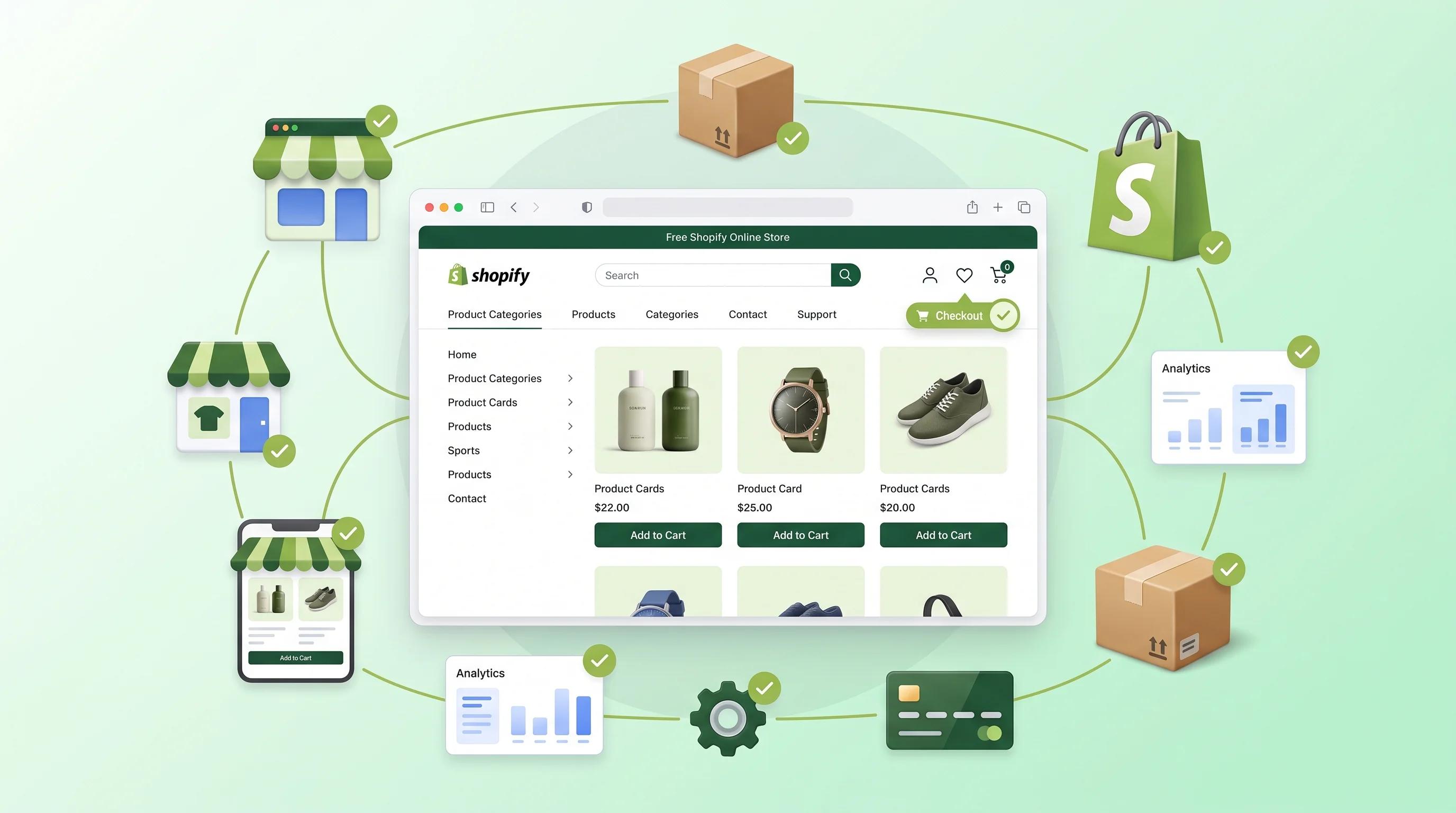
Most Shopify store owners spend weeks choosing a theme, loading products, and tweaking colours, then wonder why sales aren’t coming. The honest answer is almost always the same: the store looks ready, but it isn’t actually setup right.
Knowing how to test if your Shopify store setup is actually good goes beyond checking whether the checkout works. It means auditing the technical foundations, the conversion architecture, the SEO structure and the customer journey; systematically, not just by feel.
This blog takes you through exactly how to do that, what the most costly setup mistakes look like, and what a high converting Shopify store is built on underneath the surface.
If you want your Shopify store built correctly from day one or fixed properly if something has already gone wrong; Arismeta’s Shopify development and Digital Marketing team builds stores designed to convert, rank, and scale.
How to Check if your Shopify Store is set up Right
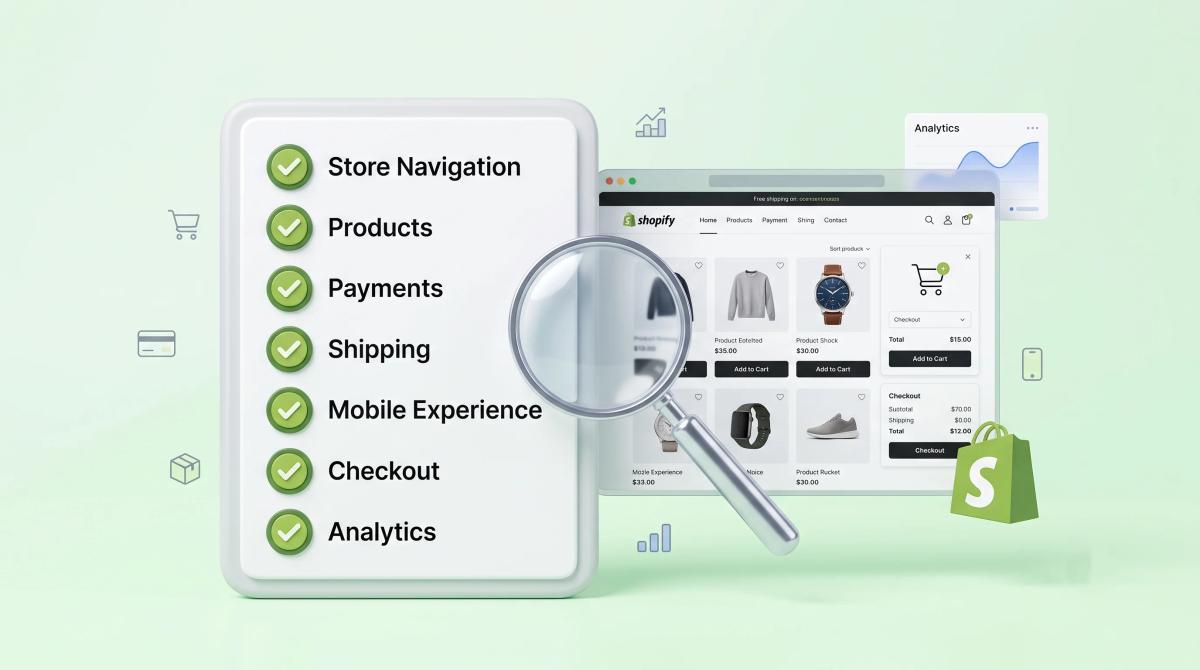
Before you diagnose specific problems, you need a baseline. Here is how to test if your Shopify store setup is actually good across the areas that matter most:
Check your core Web Vitals: Run your store through Google Page Speed Insights. A well setup Shopify store should score above 70 on mobile performance. If you’re below 50, your setup has speed issues that are actively costing your rankings and conversions.
Test your checkout flow end to end: Add a product to cart, proceed to checkout, and complete a test transaction using Shopify’s Bogus gateway. Count the number of steps, check that discount code works, confirm order confirmation emails fire correctly, and verify the thank you page loads cleanly.
Audit your navigation and search: Can a first-time visitor find your bestselling product in under three clicks? Is your search bar functional and returning relevant results? Poor navigation is one of the fastest ways to lose a buyer who was already interested.
Verify your traffic and analytics: Open Google analytics or your Shopify analytics dashboard and confirm that traffic data, conversion events, and revenue attribution are recording accurately. If your data is broken, every marketing decision you make is based on fiction.
Check mobile experience on a real device: Not the browser preview: an actual phone. Open your store on mobile, browse product pages, add to cart, and attempt checkout. Mobile accounts for the majority of Shopify traffic, and most setup problems appear here first.
7 Shopify Store Setup Mistakes that are Costing you Sales

1. No custom domain connected
A store running on a myshopify.com URL communicates a lack of permanence to customers and hurts SEO from day one.
2. Default theme with no conversion optimisation:
Themes are starting points, not finished stores. If your product pages have no social proof, no urgency signals, and no clear hierarchy guiding the eye to the add to cart button, your theme is working against you.
3. Missing or thin product descriptions:
Duplicate manufacturer descriptions and one sentence copy do not rank and do not convert. Every product page needs original, keyword-informed copy that answers buyer questions and builds purchase confidence.
4. Checkout not configured for recovery:
Abandoned cart emails should be active from day one. Shopify's built-in abandoned checkout recovery is free and consistently one of the highest ROI automations available to any store; yet many owners never switch it on.
5. No SSL certificate check:
Shopify provides SSL automatically but verify that your custom domain is serving on HTTPS. A non-secure store is flagged by browsers, destroys customer trust, and tanks conversions instantly.
6. Unoptimized images slowing the store down:
Large, uncompressed images are the single most common cause of slow Shopify load times. Every product image should be compressed before upload, and WebP format should be used wherever the theme supports it.
7. Payment methods not configured for your market:
If your target customers prefer UPI, Paytm or EMI options and your checkout only offers credit card or PayPal, you are losing sales at the final step. Payment configuration should match your actual customer base, not just default settings.
For brands that need a full store audit before investing further in traffic, Arismeta’s Shopify consulting services identify exactly where setup gaps are losing revenue.
How to Audit your Shopify Store Setup in 30 Minutes?
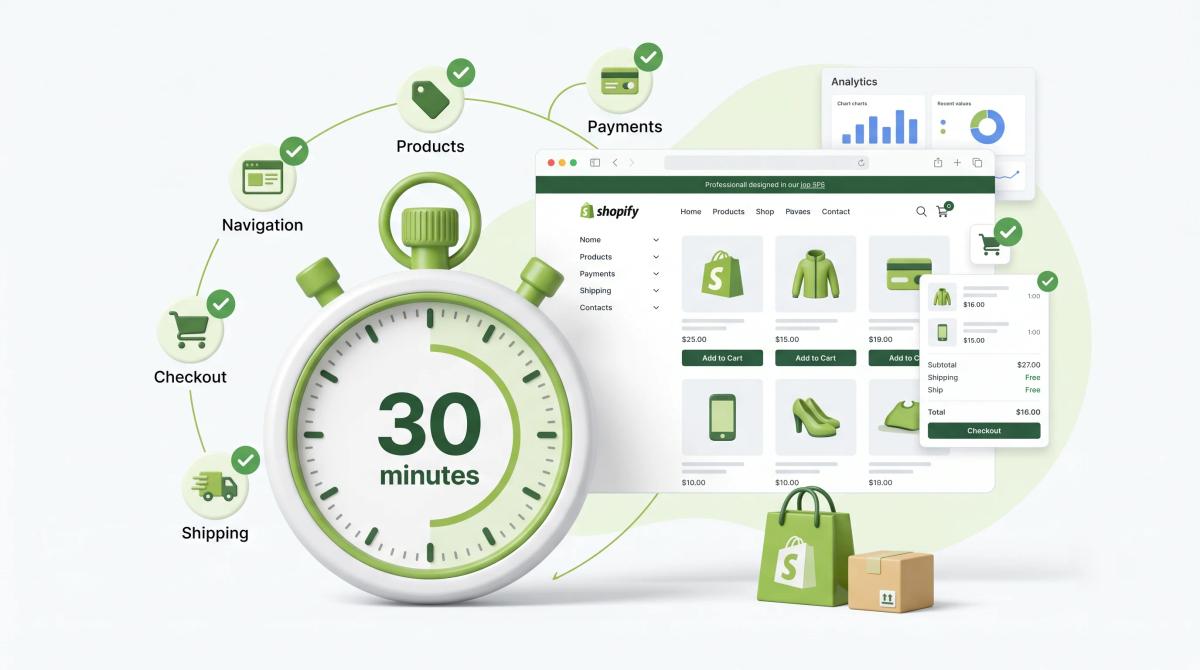
Use this structured checklist to audit your Shopify store setup quickly and systematically:
Minutes 1 to 5: Speed and Technical health
Run Page Speed Insights on your homepage and your bestselling product page. Note your mobile score. Open Shopify admin and check that your domain is connected, SSL is active, and your sitemap is submitted to Google search console.
Minutes 6 to 10: SEO Foundations
Check that every product page has a unique title tag and meta description. Confirm that product URLs are clean and descriptive; not strings of random characters. Verify that your homepage title tag includes your primary keyword and brand name.
Minutes 11 to 15: Checkout and conversion
Complete a test purchase. Confirm that abandoned cart emails are active in Shopify’s notification settings. Check that your return policy, shipping policy, and contact pages are all live and linked from the footer; these directly impact purchase confidence.
Minutes 16 to 20: Mobile experience
Open your store on a real mobile device. Browse three product pages, add one item to cart, and navigate to checkout. Note anything that feels slow, misaligned, or requires excessive scrolling to reach the key action.
Minutes 21 to 25: Analytics and Tracking
Confirm that Google analytics is receiving live data from your store. Check that your Facebook Pixel or Google Ads conversion tag is firing correctly if you run paid traffic. Broken tracking is a silent revenue leak that most store owners discover months too late.
Minutes 26 to 30: Customer Trust Signals
Check your product page reviews, ratings, trust badges, and clear return policy mentions. Confirm your About page communicates the brand story and that your contact information is easy to find. Trust signals are conversion infrastructure; not optional extras.
What a High Converting Shopify Store Setup Looks Like
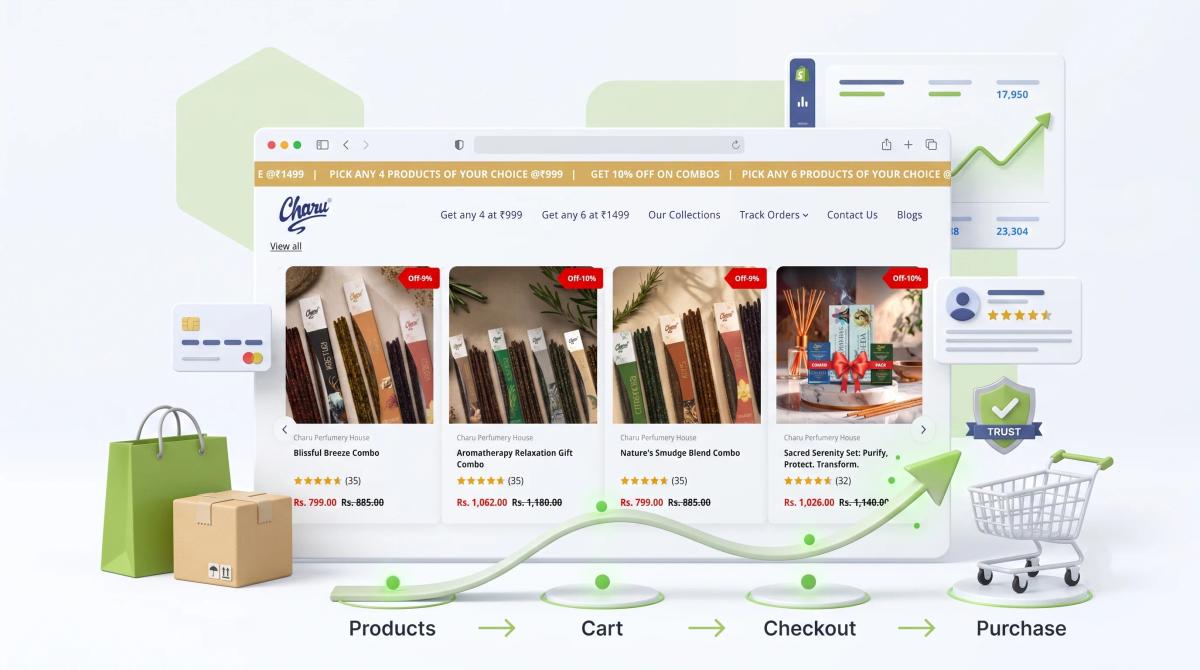
A genuinely high converting Shopify store is not defined by its theme or its colour palette. It is defined by decisions made at the setup stage that most customers never consciously notice but respond to consistently.
Product pages that answer every question beforeit’s asked: Size guides, ingredient lists, usage instructions, care notes, and delivery timelines;all on the page, above the fold where possible. Every unanswered question is a reason not to buy.
A checkout stripped of friction: Guest checkout enabled. Minimal form fields. Multiple payment options. Autofill supported. Progress indicator visible. Every additional step or field in your checkout reduces conversion rate.
Collections structured around how customers think, not how products are catalogued: Organise collections by use case, occasion, or problem solved; not just by product type. A customer looking for a gift doesn’t want to browse your entire catalogue. Give them a gift collection.
An email capture strategy that works before the best sale: A well-placed popup or inline form with a general incentive; a discount, early access, or useful content builds the owned audience that sustains a store through algorithm changes and rising ad costs.
Speed as a non-negotiable: Every second of additional load time reduces conversion rates. A well setup Shopify store has compressed images, a lean theme with minimal app bloat and a CDN delivered experience that loads fast on every device.
How Arismeta Builds Shopify Stores Setup for Long Term Growth?

Arismeta’s approach to Shopify is not just about launching a store, it is about building a foundation for growth. We focus on AI-powered solutions, software development, content marketing, branding, and strategic consulting, which help businesses align design, performance, and marketing from day one.
Every Arismeta Shopify build includes Technical SEO from day one, conversion optimised product page architecture, clean tracking infrastructure, and a checkout configured to minimise abandonment and maximise completed purchases.
Post launch the store is built to be managed independently; content updates, product additions, and campaign landing pages don’t require developer involvement. That independence is what long-term growth actually looks like in practice.
Learn more about Arismeta’s approach and the team behind every build; and find out what your Shopify store’s setup should look like before you spend another rupee driving traffic to it.
FAQs
1. How do I test if my Shopify store setup is actually good?
Check navigation, product pages, checkout flow, mobile speed, and analytics for speed and performance.
2. What are the most common Shopify store setup mistakes?
Common mistakes include unclear messaging, weak product pages, slow speed, app bloat and missing analytics.
3. How can I audit my Shopify store in 30 minutes?
Focus on homepages, product pages, mobile speed, test orders, and analytics setup in a timed checklist.
4. What makes a Shopify store high converting?
Clear value, trustworthy product pages, fast mobile experience, simple checkout, and strong tracking.
5. How does Arismeta help with Shopify store setup?
Arismeta combines development, branding, content, and strategy to build Shopify stores designed for growth.