Why Are Web Designers Switching to Web flow from WordPress
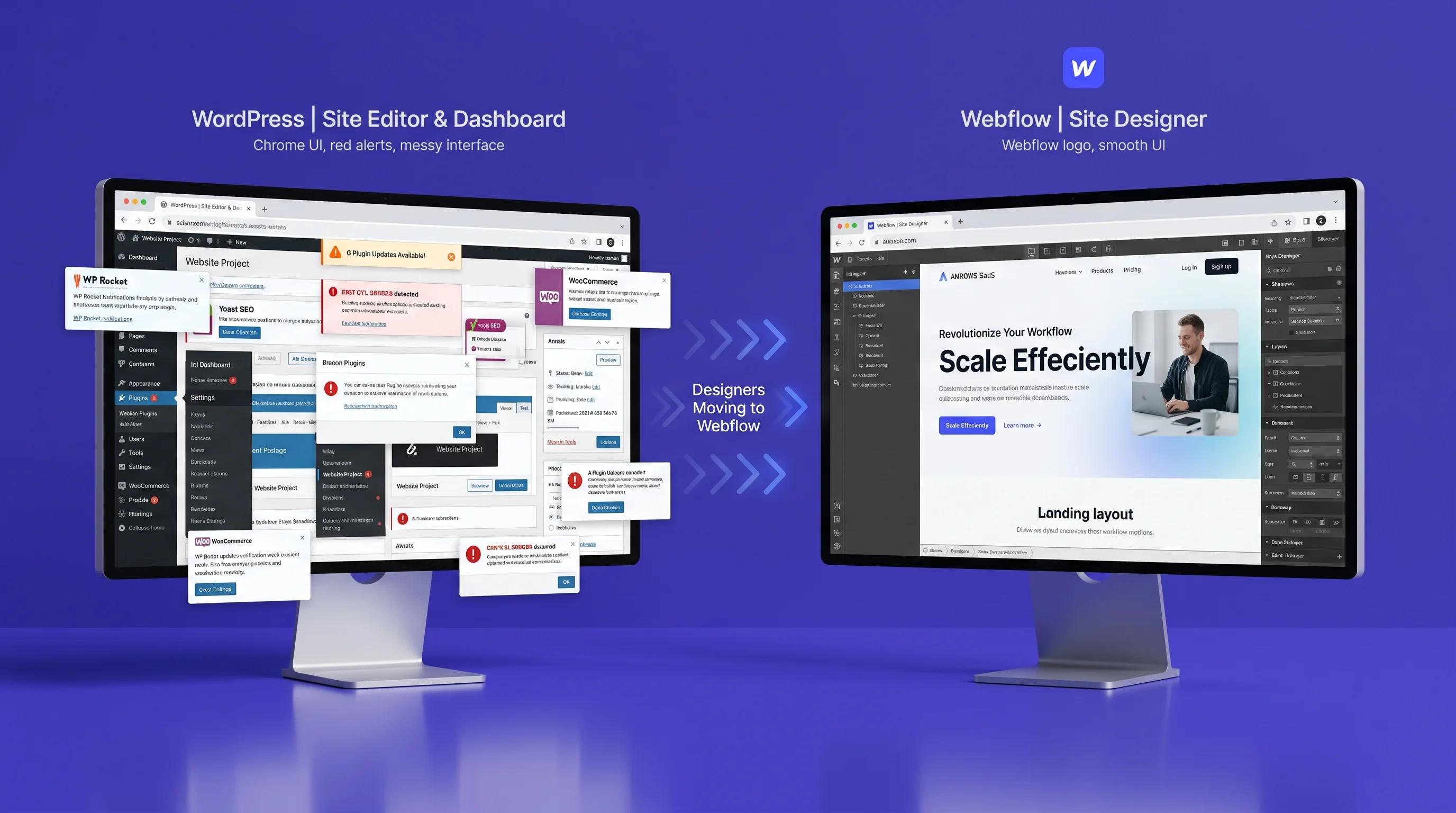
If you’ve noticed more designers talking about Webflow lately, you’re not imagining it. A growing number of web designers are moving away from WordPress and choosing Webflow for new projects, especially for landing pages, marketing sites, and client work that needs to look sharp without depending on a developer for every small change.
The short answer: Webflow gives designers direct control over visual design and clean code output, while WordPress often requires plugins, themes, and manual workarounds to achieve the same result.
This shift isn’t about WordPress being “bad”. It's about designers wanting a faster, cleaner, more visual way to build websites; and Webflow is increasingly that answer.
How Web flow speeds up Web Design compared to WordPress
In a typical WordPress workflow, a designer creates mock-ups, hands them to a developer, and waits for implementation; then repeats that cycle for revisions. Webflow collapses design and development into one step, since what you build in the canvas is what goes live. This matters more for landing page development, where speed to launch directly affects ad spend and campaign timing.
A well prepared webflow build can move from design to live page significantly faster than a comparable WordPress build with custom plugins and theme customization.
Web flow vs WordPress: 5 Key Differences Designers care about
1. Design control:
Webflow: Direct, pixel level, no theme dependency.
WordPress: limited by theme structure
2. Code output:
Webflow: Clean, auto generated. HTML/CSS
WordPress: often bloated with plugin code
3. Maintenance:
Webflow: hosted, managed updates
WordPress: Manual updates, plugin conflicts
4. Speed to launch:
Webflow: faster for custom designs
WordPress: slower with heavy customization
5. Client handoff:
Webflow: visual editor, no code content updates
WordPress: requires CMS familiarity or dev support.
Why Web flow reduces Plugin Headaches and Maintenance
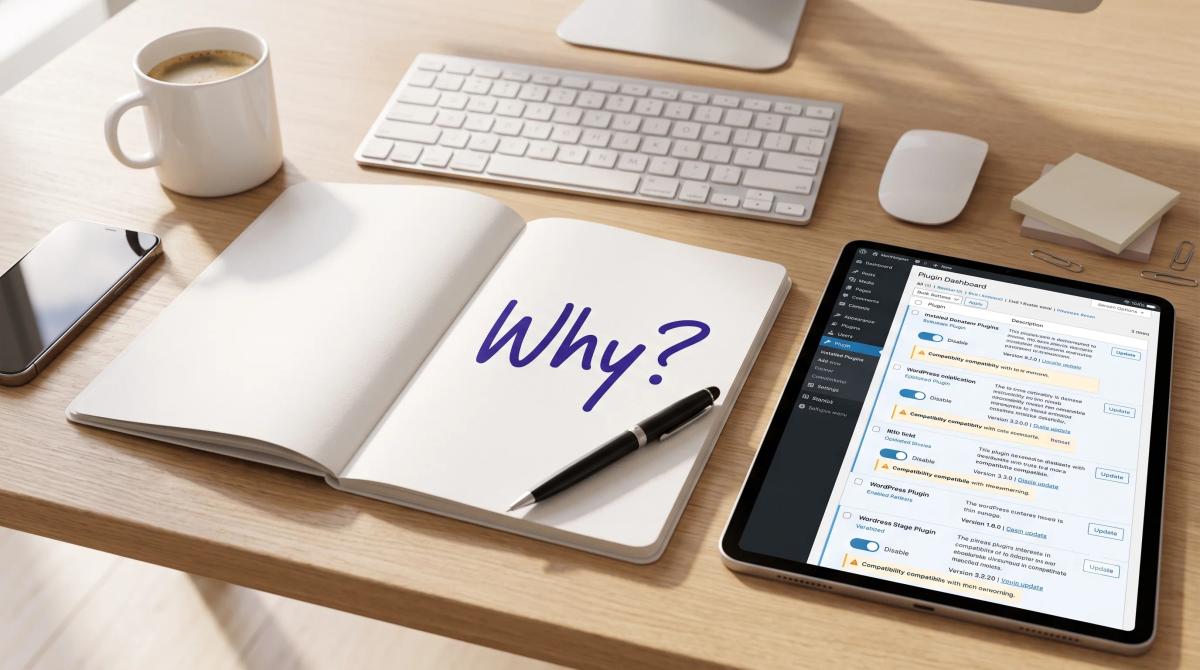
A typical WordPress site can run 15-30 plugins for things Webflow handles natively; forms, animations, SEO settings, CMS collections, and responsive design. Each plugin is a potential point of failure: version conflicts, security vulnerabilities, or slowdowns after an update.
Webflow’s hosting and core features are built in, which means fewer moving parts and less ongoing maintenance. For designers who don’t want to become part-time IT support for every client site, that’s a meaningful reason to switch.
How Web flow improves Design freedom and Client Handoff
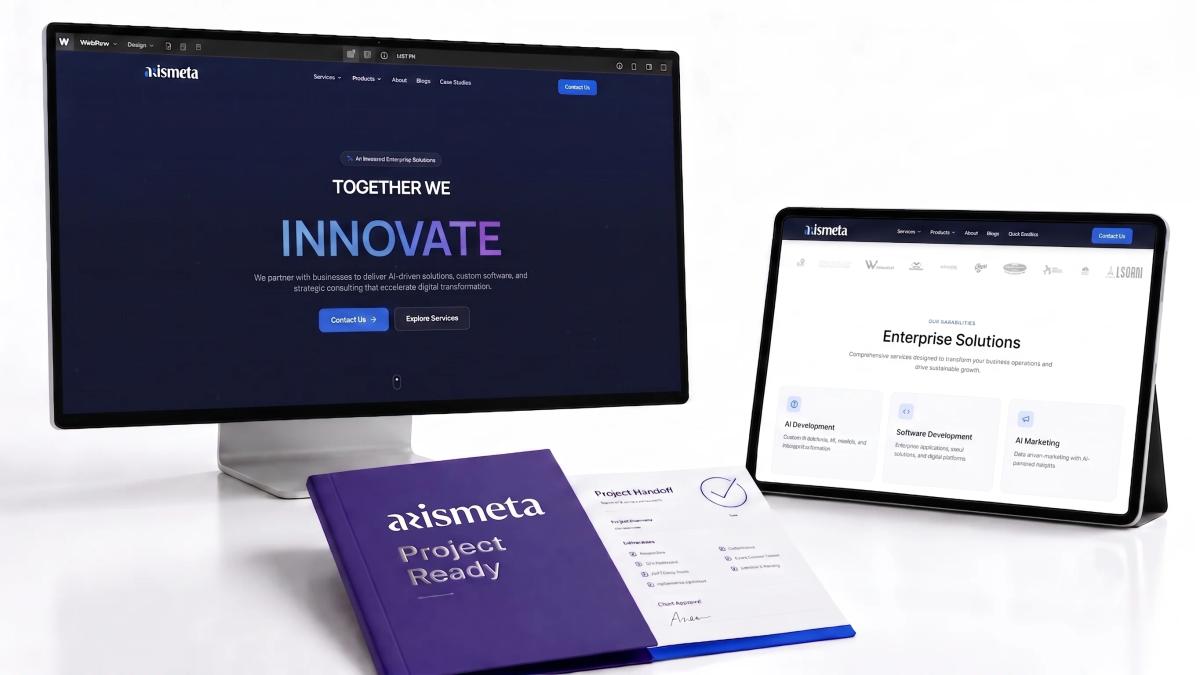
Webflow gives designers more freedom because they can shape the layout with precision instead of fighting rigid templates. That makes it easier to build something custom without a heavy development backlog.
Webflow also simplifies client handoff: many webflow sites include a built-in-editor that lets clients update text and images themselves, without touching code or risking a broken layout.
Arismeta positions itself around AI powered enterprise solutions, software development, AI marketing, content marketing, branding, and market research, which is useful for businesses that want design, performance and strategy to work together.
What this Shift Means for Businesses, Not Just Designers
This isn’t only a designer preference; it has real implications for the businesses hiring them. When a designer works in Webflow, the handoff from a design to a live, functioning page is faster and more predictable. There's no waiting for a developer to translate a mock up into WordPress theme code, and no risk of the final build looking different from what was approved.
For businesses running time sensitive campaigns; a product launch, a seasonal sale, or a new Google Ads push, that predictability matters as much as the visual outcome. A platform choice that shortens the design to launch gap directly affects how quickly a campaign can start generating leads or sales.
It also changes how businesses manage their site long term. WordPress sites often need a developer on standby for plugin updates, security patches, or unexpected conflicts after a WordPress core update. Webflow's hosted infrastructure removes much of that overhead which can lower the total cost of ownership even if the upfront build looks similar in price to a WordPress project.
None of this means WordPress is the wrong choice for every business; large publishers, content-heavy blogs and sites with custom complex functionality often still benefit from WordPress’s flexibility and plugin ecosystem. The right platform depends on what the site actually needs to do.
Is Web flow Actually better than WordPress for Designers?
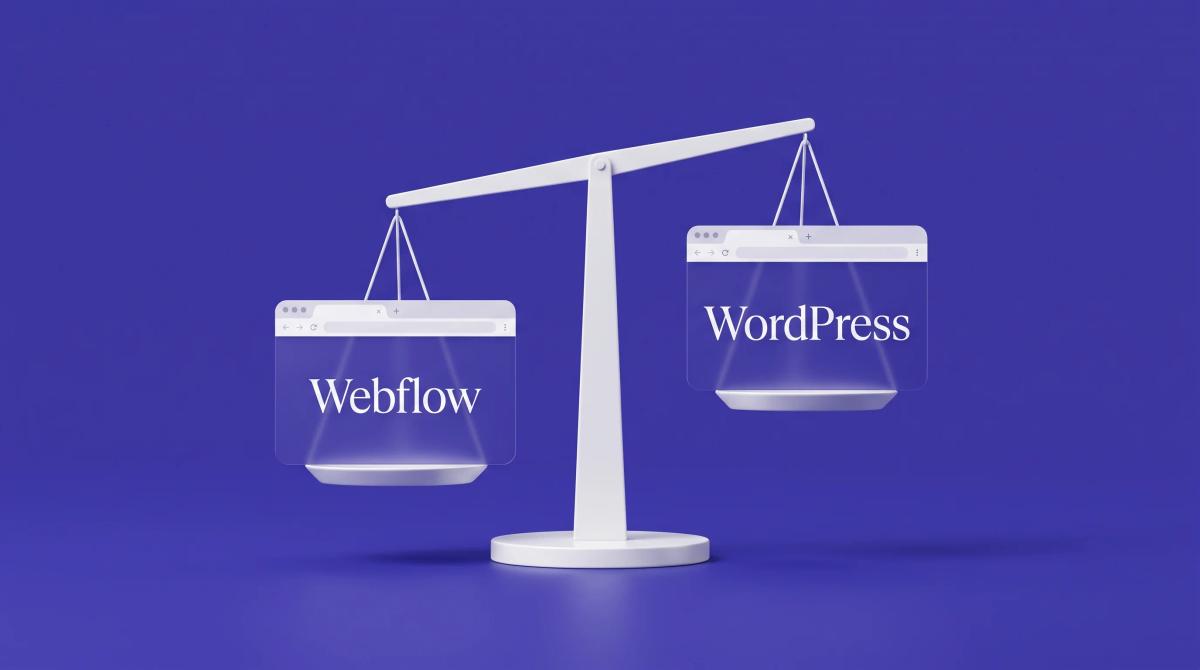
It depends on the project. WordPress still makes sense for large content-heavy sites, blogs with complex publishing workflows, or businesses already invested in a WordPress ecosystem. But for landing pages, marketing sites, and projects where design precision and fast turnaround matter most, Webflow is increasingly the stronger choice for designers.
At Arismeta, our design and development team evaluates both platforms based on project goals; not a one size fits all default; to make sure the build matches the client’s speed, design, and maintenance needs.
If you’re planning a landing page development project and unsure which platform fits, it’s worth a conversation before you commit.
FAQs
1. Is Webflow better than WordPress for designers?
For design-heavy projects like landing pages and marketing sites, Webflow gives designers more direct control and cleaner output. WordPress remains stronger for large, content-heavy sites with complex publishing needs.
2. Why are designers switching from WordPress to Webflow?
Designers want fewer plugins dependencies, faster design to launch timelines, and direct visual control over layouts. Webflow removes the theme and plugin layer that often slows down custom WordPress builds.
3. Does webflow require coding knowledge?
No. Webflow’s visual canvas lets designers build custom layouts without writing code, while still producing clean HTML and CSS output behind the scenes.
4. Is Webflow good for landing pages?
Yes, Webflow’s speed, design flexibility and built-in hosting make it well suited for landing pages that need to launch quickly and perform well on both desktop and mobile.
5. Can clients update content on a Webflow site themselves?
Yes, most Webflow sites include a built-in editor that lets clients update text and images directly, without needing developer support or CMS training.
Thinking about your next website or landing page build? Talk to Arismeta about which platform; Webflow or WordPress fits your project best.